CodeZen
CodeZen is a minimalist, distraction-free browser code editor for HTML, CSS, and JavaScript, designed as the editor that gets out of the way.
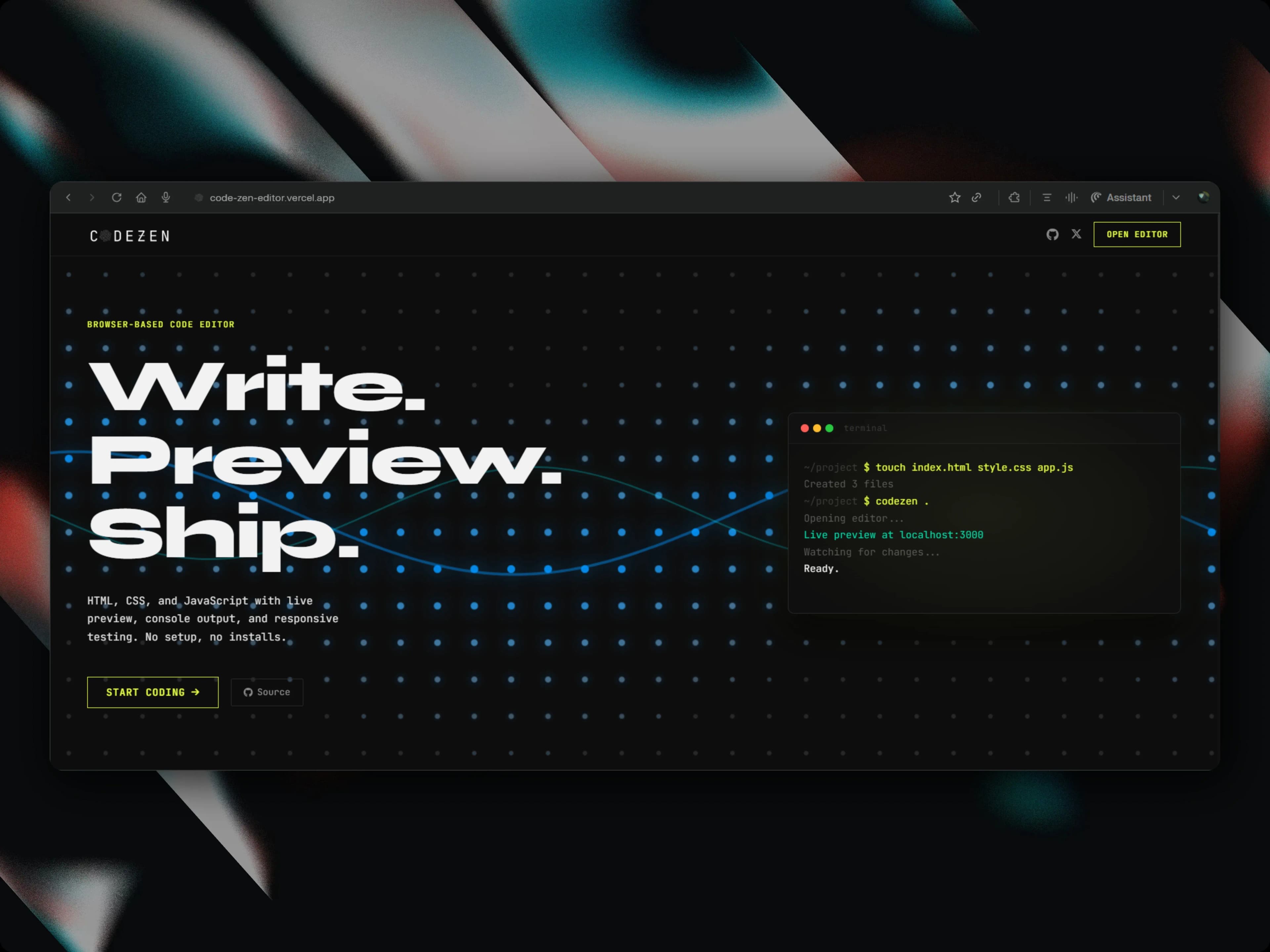
The Console Problem
Every browser editor ships a console. Almost none of them make it useful. The standard implementation pipes console.log output to a <div> as a string. Log an object and you get [object Object]. Throw an error and you get a message with no connection to the editor. The console is decorative. Rebuilding it properly required three things. First, intercepting console.log inside the preview iframe before user code runs and serialising arguments to JSON via postMessage, which is the only way to get structured data across the iframe boundary. Second, building a tree renderer for objects and arrays (expandable nodes, typed values, circular reference detection via WeakSet). Third, connecting runtime errors to the editor using CodeMirror 6's StateField + StateEffect API: when a JS error fires, the exact failing line gets a red underline in the editor, not just a message in the console. The execution timeline came from noticing that console.log in sequence doesn't tell you when things fired relative to page load. Every log now carries a performance.now() timestamp and renders as a proportional width bar, so you can see at a glance whether your fetch fired before or after mount.
Built using React, TypeScript, CodeMirror, Tailwind CSS, FontAwesome
Technical Decisions
Why CodeMirror 6 StateField for error decorations, not imperative DOM manipulation?
CodeMirror 6 treats editor state as immutable and transaction-based, sharing the same mental model as Redux. You can't set decorations imperatively; you dispatch a StateEffect that a StateField reducer processes. The provide: f => EditorView.decorations.from(f) line wires the field's output directly into the view's decoration system. Once the mental model clicks, it's the right approach: state is always consistent, decorations map through document changes automatically, and clearing on re-run is one dispatch call.
Why Tab to cycle panels in Zen Mode instead of a floating UI?
Floating UI panels or switchers in Zen Mode break the contract. If Zen Mode means "no chrome," a floating UI to navigate panels is chrome. Tab is invisible, meaning it does nothing until you need it, then a panel name flashes for 600ms and disappears. The user always knows where they are without anything permanently on screen.
Why real iframes for snapshot thumbnails instead of placeholder icons?
A snapshot without a visual is just a named save file. The entire value of the snapshot diff feature is seeing what changed. The 100ms iframe mount cost is masked with a blur-in animation so it feels intentional rather than slow. Placeholder icons would make the feature feel half-built.
Key Decisions & Outcomes
- Built Zen Mode (Ctrl+Shift+Z) that reduces the entire UI to editor and preview, where Tab cycles panels and nothing else is visible
- Replaced the standard console with structured object inspection (expandable trees, not [object Object]), real-time error underlining via CodeMirror StateField, and a per-log execution timeline
- Added side-by-side device comparison, with mobile, tablet, and desktop preview frames rendered simultaneously for responsive debugging
- Snapshot diff tool captures named canvas states with real iframe thumbnails and compares any two with a draggable split slider
If you're curious, feel free to explore: